
ASN Targeting Proxies: How To Choose The ISP Behind Your Exit IP
ASN targeting proxies let you pick the network (ISP) your exit IP belongs to. How ISP targeting works on Rainproxy, the -asn token and the honest trade-offs.
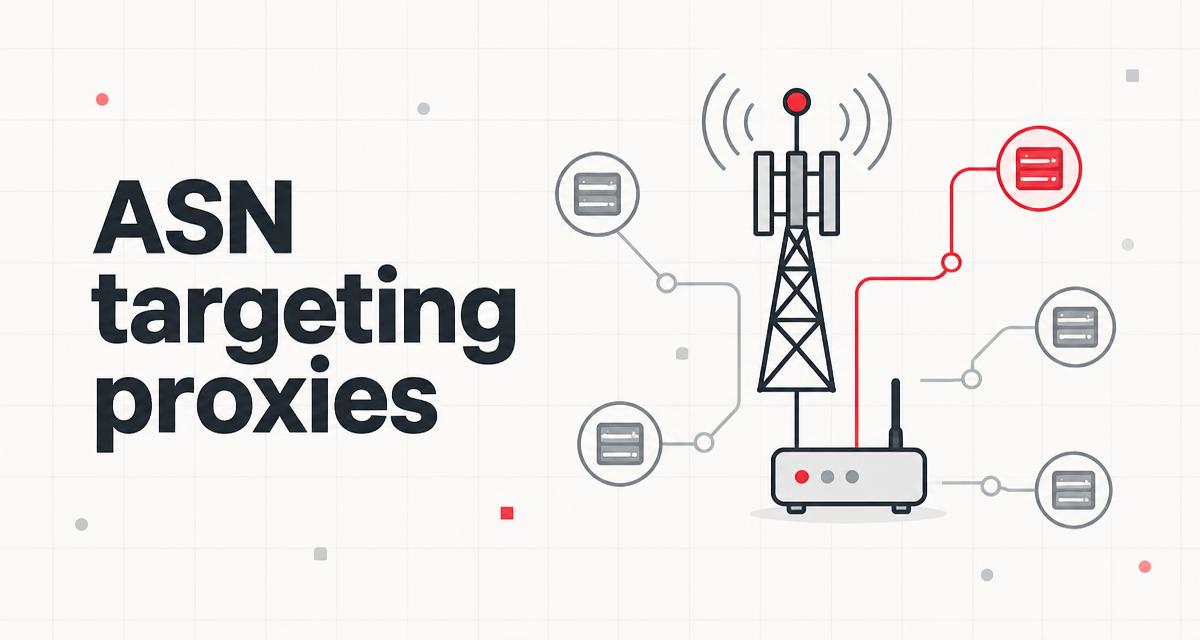
Location targeting picks where your exit IP is. ASN targeting picks whose network it belongs to. If your work depends on which internet provider a visitor uses, ASN targeting is the filter you need. This guide explains what it is, when to use it, how to set it up on Rainproxy and what it costs you in pool size.
What an ASN is
Every network on the internet that routes its own traffic has an autonomous system number (ASN). Internet providers, mobile carriers and hosting companies each have one or more. Every IP address belongs to an ASN, so the ASN tells you which provider's network an address comes from.
ASN targeting, often called ISP targeting, filters the residential pool to exits inside one ASN.
When you need ISP targeting
- Testing provider-specific behaviour. Seeing how a site or service behaves for customers of one provider.
- Avoiding networks a target treats differently. If one network gives you poor results on a target, you can steer to another.
- Research that depends on routing. Telecom, streaming or content-delivery checks where the network path matters.
- Consistency across a session. Keeping every request on the same provider so the network origin stays the same.
If the provider behind the IP does not change your results, leave ASN targeting off and keep the larger pool.
How to set it up at Rainproxy
Add -asn-<number> to the proxy username. For example, ASN 3320:
user-country-DE-asn-3320
ASN targeting can be combined with country, state and city:
user-country-DE-state-berlin-city-berlin-asn-3320
You can also build the username in the dashboard Generator. To keep one IP for a while, add a sticky session (-session-<id>-time-<minutes>), explained in our sticky session guide.
Which products have it
ASN targeting is available on:
See the ASN targeting section on the features page for a short overview.
The honest trade-off: narrower filters, fewer IPs
ASN targeting is powerful, but it narrows the pool. One provider in one country is a fraction of all residential IPs there. Add a state and a city on top and the number of matching IPs shrinks again.
What that means in practice:
- Less variety to rotate through. You will see repeated IPs sooner than with country targeting alone.
- Some combinations may have few or no matches. A small provider in a small city may not have available exits at a given moment.
- Start broad. Begin with country plus ASN, check the results, and add state or city only if your task needs it.
Other limits
- You need the right number. ASN targeting works with the number, not the provider's name. Look up the ASN for the provider you want before you start.
- Providers can have several ASNs. A large provider may route parts of its network under different numbers.
- No promise about any specific site. We do not promise results on any named website or app.
Getting started
The free trial includes 250 MB in total — 125 MB of Premium Residential and 125 MB of Exclusive Residential — claimed through live chat, so you can test ASN targeting on both. Plans are on the pricing page.
Spin up your first session in 60 seconds.
250 MB on us, activated by our team in live chat. No credit card. Real residential and mobile IPs across 195+ countries.