
Proxy Vs. VPN – All You Need To Know
A longer look at how proxies and VPNs work under the hood, where each one is genuinely better, and how teams end up using both.
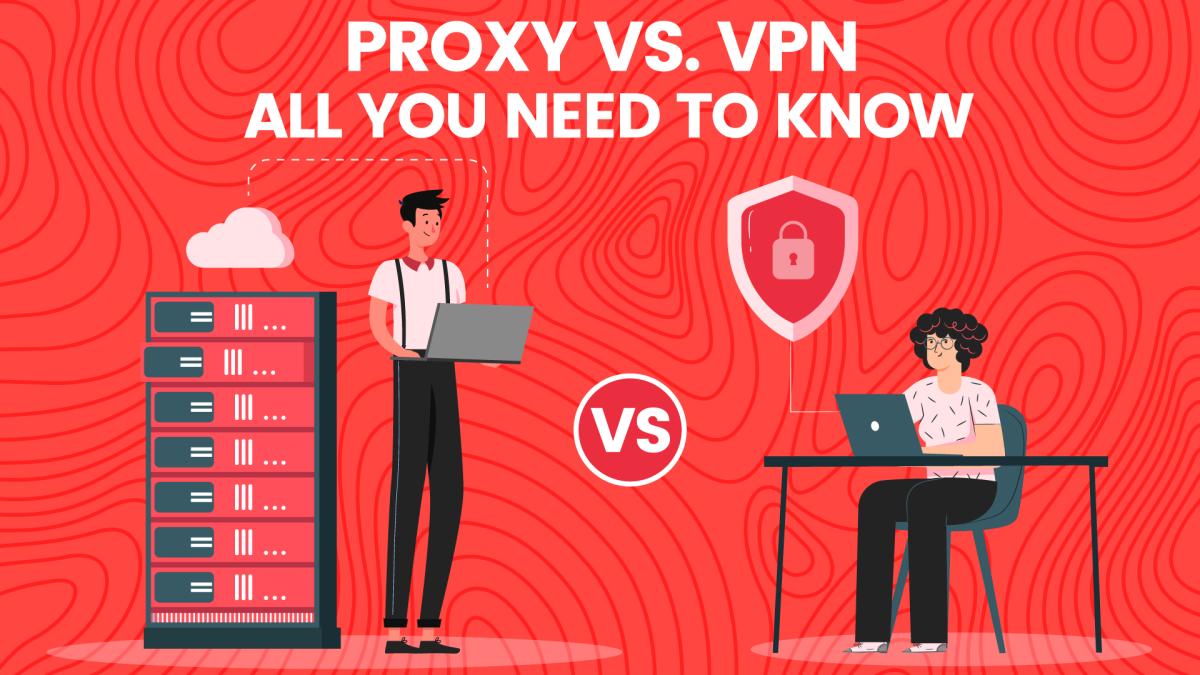
How each one actually routes traffic
With a VPN, your operating system creates a virtual network interface. All traffic is encrypted and pushed to the VPN server, which decrypts it and sends it on. The system-level nature is the point: nothing leaks around it.
With a proxy, an application is told to hand its requests to another server first. An HTTP proxy understands requests and can act on headers; a SOCKS5 proxy just relays bytes. Nothing else on the machine is affected.
Identity and concurrency
A VPN gives you one identity at a time. Proxies give you as many as you have sessions — fifty browser profiles, fifty exits, fifty distinct-looking users. Anything involving multiple accounts or parallel data collection needs the second model.
Detection
Commercial VPN ranges are well known and widely blocked; sites buy the lists. Datacenter proxies face the same problem. Residential and mobile proxies don't, because the addresses belong to real consumer networks. If your issue is "the site blocks me", the fix is usually the type of IP, not switching between proxy and VPN.
Performance
A VPN adds encryption overhead but keeps a stable route. A good proxy adds a single hop and can be closer to the target than you are. In practice, datacenter proxies are the fastest option, VPNs sit in the middle, and residential proxies trade speed for trust.
Logging and trust
Both models mean someone else can see your traffic metadata. The honest question is not "proxy or VPN" but "who runs this, how do they source it, and what do they keep". A provider that explains its IP sourcing and retention is worth more than one advertising a bigger number.
The usual real-world setup
A VPN on the laptop for general privacy, and proxies inside the tooling for anything that scrapes, tests or manages accounts. They aren't competitors so much as tools for two different problems that happen to share one symptom: the IP a site sees.
Spin up your first session in 60 seconds.
250 MB on us, activated by our team in live chat. No credit card. Real residential and mobile IPs across 195+ countries.