
Rotating Residential Proxies: A New IP Per Request, Or Sticky When You Need It
How rotating residential proxies work on Rainproxy: one endpoint, a new residential IP on every request, and a single token to switch to sticky sessions.
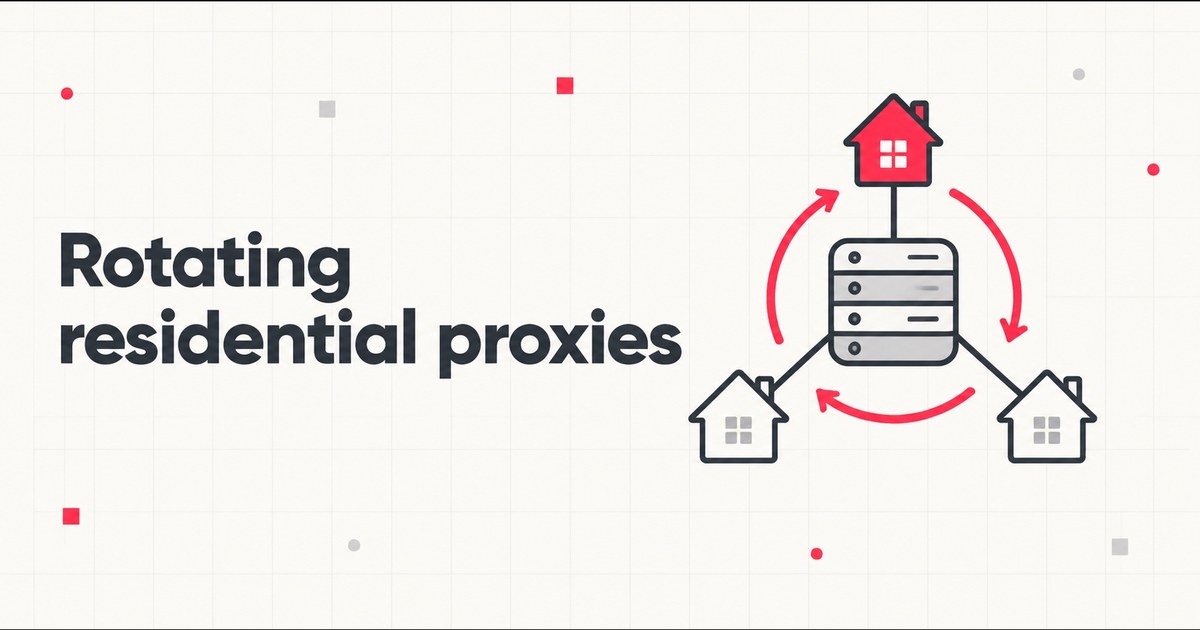
A rotating residential proxy sends each request out through a different residential IP. On Rainproxy that is the default: you connect to one endpoint, and unless you ask for something else, every request gets a new IP. This guide explains what rotation is good for, when it works against you, and how to switch to sticky sessions with one change to the username.
What rotation means
A residential proxy routes your traffic through real consumer connections. With rotation, the proxy picks a new connection for every request. You do not manage a list of IPs and you do not change endpoints. You keep sending requests to the same host and port, and the exit IP changes on its own.
On Rainproxy you get this behaviour as soon as you leave the session tokens out of the username:
user-country-US
Every request through that username leaves from a new residential IP in the United States.
When rotation is the right choice
Rotation works best when your requests do not depend on each other:
- Collecting many public pages. Product listings, search results or public profiles where each page stands alone.
- Spreading load. Many requests spread across many IPs instead of piling up on one address.
- Checking content from many vantage points. Seeing what different visitors in one country are shown.
- Retrying after a failure. If one request fails, the next one already goes out through a different IP.
When rotation hurts
Rotation is wrong for anything where the target connects your requests together. Sites tie a login, a cart or a form to the visitor who started it. If the IP changes between steps, the site can see a session that jumps from one connection to another.
Typical cases where you should not rotate on every request:
- Logins. Signing in on one IP and loading the account page on another.
- Carts and checkouts. Adding an item, then paying, from different addresses.
- Multi-step forms. Paginated flows held together by a session cookie.
- Browser automation with one profile. A browser profile that should keep one identity while it works.
For these, use a sticky session instead.
Switching to sticky
To keep one IP for a while, add a sticky time and a session ID, in the order the Generator writes them:
user-country-US-time-10-session-abc123
-time-<minutes>sets how long the IP should stick, in minutes.-session-<id>is any ID you choose. Requests with the same ID keep the same IP.
On Premium Residential and Exclusive Residential the sticky time can be set from 1 minute up to 24 hours. Mobile proxies also support sticky sessions. When the time ends, the session moves to a new IP. To get a new IP earlier, use a new session ID. Read our sticky session guide for the details.
You can also build the username in the dashboard Generator: choose your location, switch between rotating and sticky, and copy the result.
Rotating and sticky side by side
Many projects use both. A common pattern:
- Discovery with rotation. Collect a list of pages with plain rotating requests.
- Flows with sticky sessions. Open each item that needs a multi-step flow with its own session ID, so that flow stays on one IP.
Because both modes use the same endpoint and only differ in the username, you can mix them in one application without changing connection settings.
Which products have it
Rotating residential IPs are available on:
See the rotating residential section on the features page for a short overview.
A worked example
Say you run a price monitor that first reads category pages and then follows a few items through to the cart page.
- Read category pages through
user-country-US. Each request gets a new IP, which spreads the load. - For each item that needs the cart step, use
user-country-US-time-5-session-item42. The product page, the add-to-cart call and the cart page all leave from one IP. - For the next item, use a new session ID, for example
item43, so it starts on a fresh IP.
Common setup mistakes
- Rotating through a login. If a flow needs a login, give it a sticky session.
- Sharing one session ID across workers. Every worker with the same ID shares the same IP. Use one ID per flow.
- Setting a time without a session. Without
-session-<id>every request still gets a new IP. - Holding sticky sessions longer than needed. A residential IP belongs to a real device that can go offline. Pick the shortest time that covers the flow.
How to check it is working
Send a few requests to an IP information page with the plain username and note the IP each time: it should change on every request. Then add -time-5-session-test1 and repeat: the IP should stay the same until the sticky time ends, unless the device goes offline.
Honest limits
- Rotation does not make every request succeed. Each new IP is a different real connection, and targets treat connections differently.
- Sticky sessions can still change IP. If the device behind a normal sticky session goes offline, the session continues on another IP. If that is not acceptable, look at strict session on Premium and Exclusive Residential.
- No promise about any specific site. We do not promise results on any named website or app.
Getting started
The free trial includes 250 MB in total: 125 MB of Premium Residential and 125 MB of Exclusive Residential, claimed through live chat. Compare plans on the pricing page.
Spin up your first session in 60 seconds.
250 MB on us, activated by our team in live chat. No credit card. Real residential and mobile IPs across 195+ countries.