
Clean Residential Proxies: How The IP Quality Filter Works
Looking for clean residential proxies? How the Rainproxy IP quality filter keeps low-scoring exits out of your session, how to set your minimum and its trade-offs.
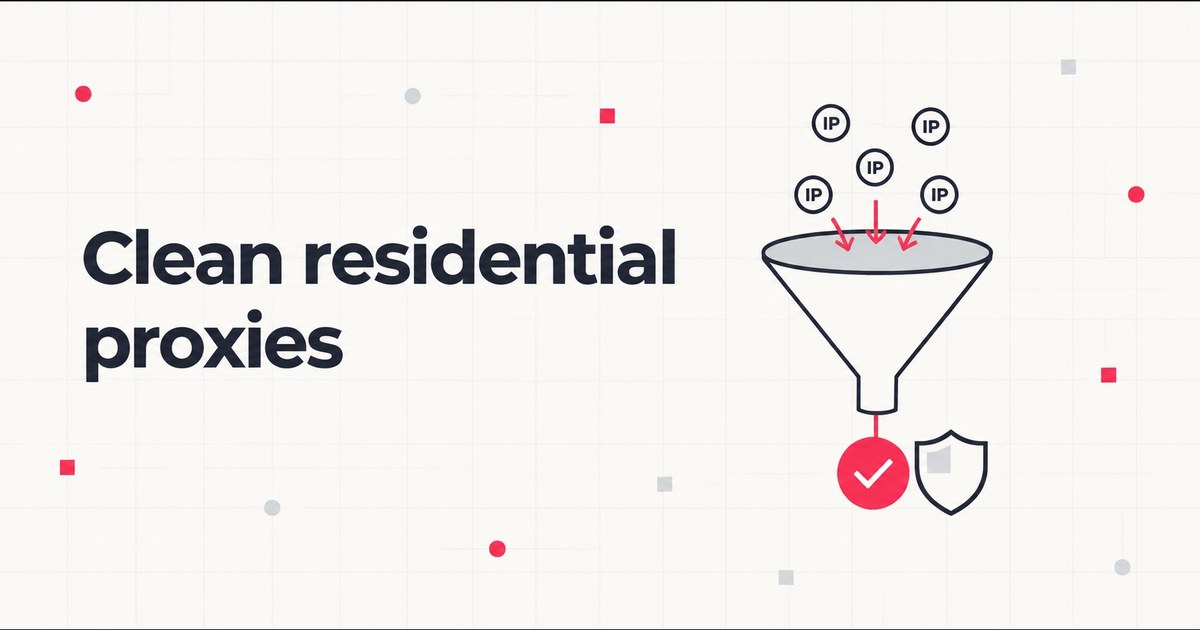
Not every residential IP arrives with the same history. Some have been used heavily or flagged in the past, and a target may treat them with more suspicion. The IP quality filter on Rainproxy lets you keep low-scoring exits out of your session. This guide explains what the filter does, when it is worth switching on, how to set it and what it costs you.
What the IP quality filter does
Every candidate exit is scored. You choose a minimum, and exits that score below it never reach your session. The rest of your setup stays the same: you keep your location targeting and your session settings, and the filter only removes the exits you do not want.
On the features page we describe the score as based on reputation, blacklist history and recent success, and the scores are updated continuously rather than taken from a one-off list. We do not publish the exact calculation, and this guide does not try to describe it beyond that.
When you need clean IPs
The filter is most useful when a single bad exit can spoil a whole attempt:
- Account creation and login flows that stop working on flagged IPs.
- Checkouts with strict anti-fraud checks, where a suspicious connection means a declined step.
- Targets that answer a poor IP with an instant captcha.
- Long sticky sessions, where you hold one IP for a while and want it to be a good one from the start.
For public pages that load the same for any visitor, the filter adds little. Leave it off and keep the larger pool.
How to set it up at Rainproxy
The IP quality filter is a Pro option in the dashboard Generator. Open the Generator, choose your product and location, set the minimum quality you want, and copy the username it produces. You can set your own minimum per sub-account, so different projects can use different levels.
You can combine it with everything else you already use, such as a country and a sticky session:
user-country-US-time-10-session-abc123
Copy the full username from the Generator after you set the minimum, so the quality setting is included exactly as the system expects it.
Which products have it
The IP quality filter is available on:
See the IP quality filter section on the features page for a short overview.
The honest trade-off: stricter filter, fewer IPs
A higher minimum removes more exits. That has consequences:
- Fewer IPs to rotate through. You will see repeated IPs sooner, especially in a small country or city.
- Some combinations may run thin. A strict minimum plus city plus ASN targeting can leave very few matching exits at a given moment.
- Start moderate. Begin with a moderate minimum, check your results, and raise it only if you still see problems you can trace to IP quality.
The filter improves the starting point. It does not change how a target treats your traffic once it arrives. Request rate, headers and behaviour still matter.
A worked example
Say a login flow fails on some attempts with a captcha on the first page, and the failures seem random. Run two small batches:
- A batch with your usual settings and no quality minimum.
- The same batch with a moderate minimum set in the Generator.
Compare how often the first page loads cleanly. If the second batch is clearly better, keep the filter. If both look the same, the problem is probably elsewhere, such as request rate or browser fingerprint, and a stricter filter would only shrink your pool.
Common setup mistakes
- Starting at the strictest setting. It removes the most exits and can leave you with little to rotate through.
- Stacking every filter at once. A strict minimum plus city plus ASN plus speed filter narrows the pool a lot. Add filters one at a time.
- Expecting the filter to fix behaviour. A clean IP sending requests too fast still looks like automation.
- Wrong product. The filter applies on Premium Residential and Exclusive Residential.
How to check it is working
Watch the results you care about on your own target: fewer first-page captchas, fewer failed logins, fewer retries. Compare against a batch without the filter. If you see a lot of repeated IPs, lower the minimum or loosen your location filters.
Honest limits
- No published scoring formula. We describe what the score is based on, not how it is calculated.
- Fewer IPs at higher settings. That is the price of being stricter.
- No promise about any specific site. We do not promise results on any named website or app.
Getting started
The free trial includes 250 MB in total: 125 MB of Premium Residential and 125 MB of Exclusive Residential, claimed through live chat. You can test the filter on both products. Plans are on the pricing page.
Spin up your first session in 60 seconds.
250 MB on us, activated by our team in live chat. No credit card. Real residential and mobile IPs across 195+ countries.