
Shared Or Exclusive Proxy IPs, Which Should I Use?
Shared pools are cheaper, exclusive IPs are predictable. The right answer depends entirely on whether your work has an identity attached.
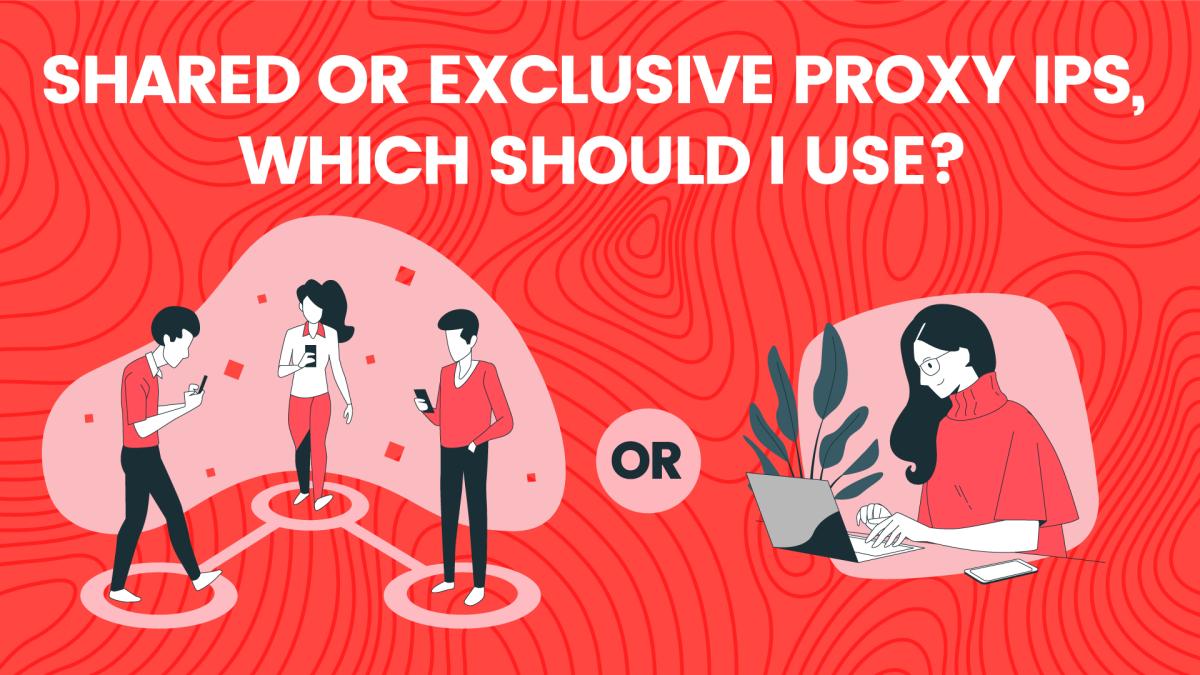
What each one means
A shared IP is used by more than one customer at a time. An exclusive (or dedicated) IP is assigned to you alone for the duration of your plan. The underlying network can be identical — the difference is who else is behind the address while you're using it.
The case for shared
Cost per IP is far lower, and for tasks with no persistent identity that's a straight win. Scraping public pages, checking prices, monitoring availability: if a request fails you retry from another exit and nothing is lost. Shared pools are also larger, so you get geographic spread that no dedicated allocation can match at the same price.
The case for exclusive
The moment an account is attached to an IP, sharing becomes a liability. Log-in history that jumps between users, another customer's aggressive job triggering a rate limit, a captcha wave you didn't cause — all of it lands on you. Exclusive IPs give you a stable, predictable footprint, which is what platforms reward.
Use exclusive for:
- Any long-lived account, especially social, marketplace or ad platforms
- Anything with a cart, a checkout or a payment step
- Whitelisting, where the target only allows a fixed list of addresses
- Work where consistency matters more than volume
A practical split
Most teams end up running both. Shared rotating residential does the bulk data collection, and a handful of exclusive ISP or datacenter IPs handle the accounts and the dashboards. That combination costs less than putting everything on dedicated addresses and behaves better than putting everything on shared ones.
Questions to ask a provider
How many customers can hold the same shared IP at once? Can you see or filter IP history? How quickly can a bad exclusive IP be swapped? Providers who answer those clearly are usually the ones worth testing.
Spin up your first session in 60 seconds.
250 MB on us, activated by our team in live chat. No credit card. Real residential and mobile IPs across 195+ countries.